Title here
Summary here
Robo Gallery demos showcase different gallery layouts, hover effects, and navigation configurations.
Each demo is created using a combination of:
These settings work together to produce the visual style shown in the demo galleries.
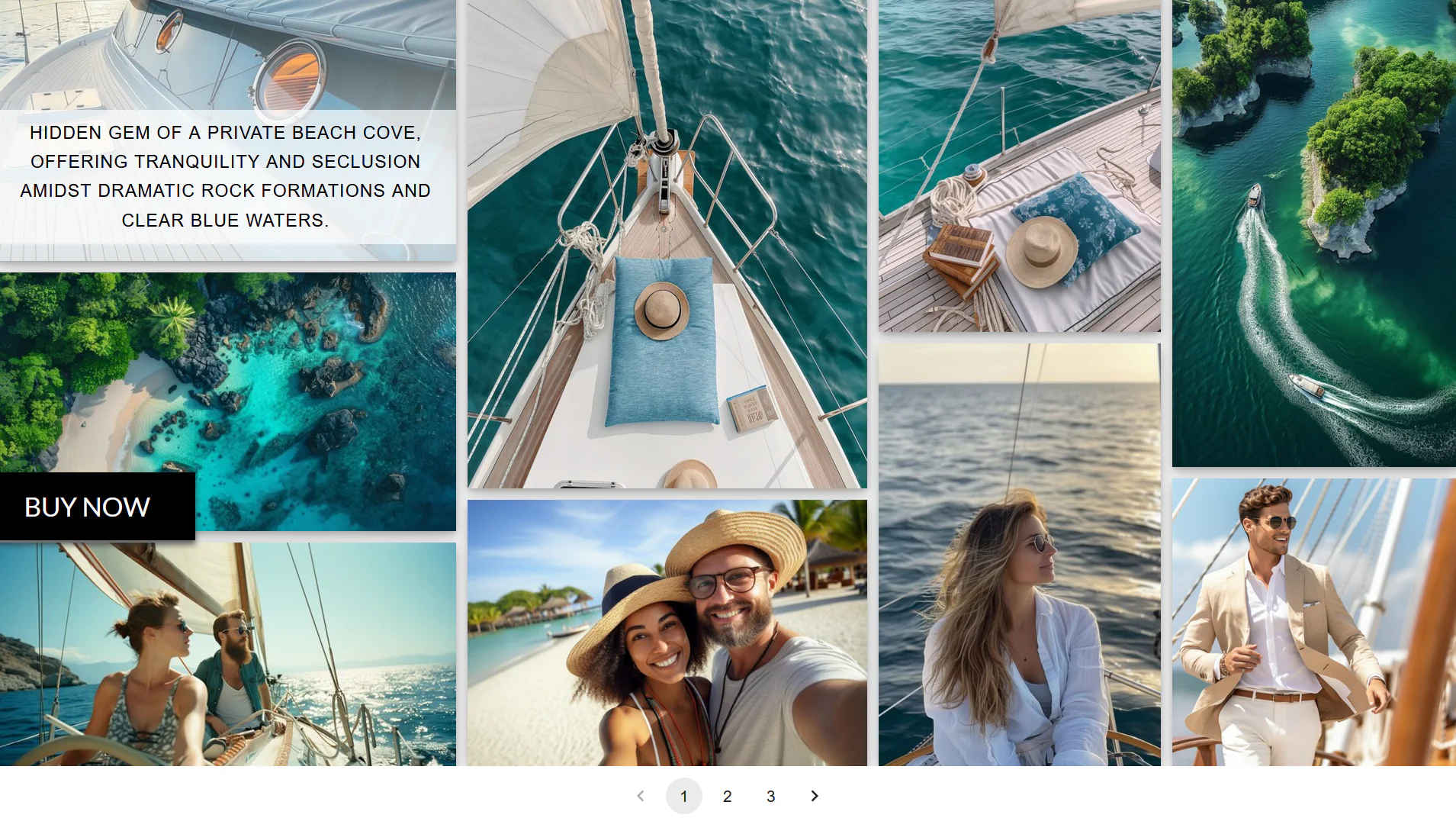
Every demo gallery uses a specific combination of settings. Small changes to layout or hover options can significantly change the final result.
Typical demo configurations may include:
We are currently preparing detailed step-by-step guides explaining how to recreate each demo.
These upcoming articles will include:
This will make it easier to reproduce demo galleries on your own website.
If you would like to recreate a specific demo layout, you can contact our support team.
Please include:
Our team will help you identify the correct settings and configuration needed.
Demos are meant to inspire ideas for gallery layouts. You can freely modify any settings to create your own custom designs.