Title here
Summary here
Compatibility settings help resolve conflicts between Robo Gallery, WordPress themes, and other plugins.
These options allow you to adjust how the gallery loads scripts, icons, and internal components when another plugin or theme causes conflicts.
You can find these options here:
Robo Gallery → Settings → Compatibility Settings
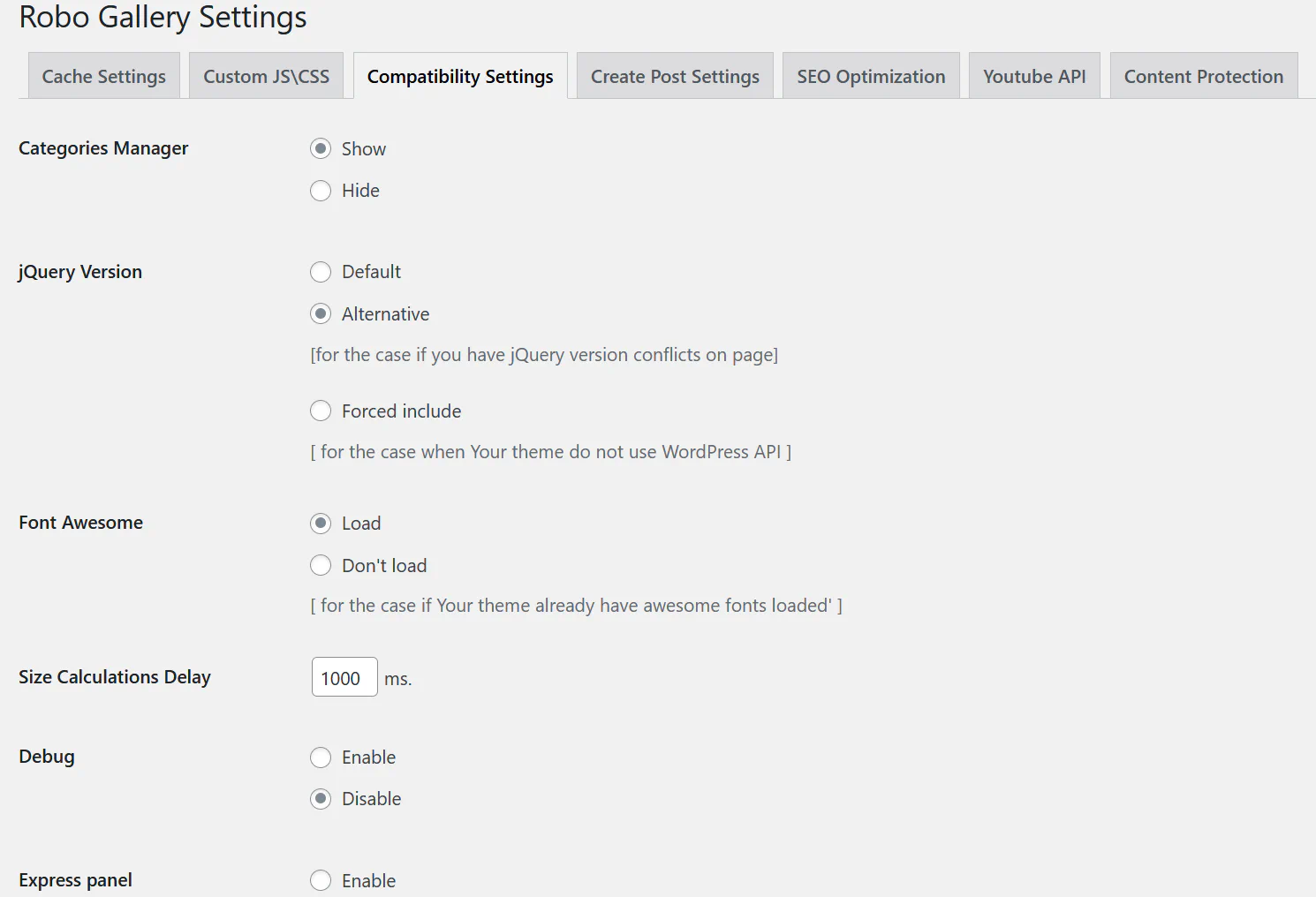
Controls visibility of the Categories Manager in the gallery interface.
Show Displays the categories manager for galleries.
Hide Hides the categories manager if categories are not used.
Defines how Robo Gallery loads jQuery.
Default Uses the standard jQuery loaded by WordPress.
Alternative Uses an alternative method of loading jQuery if conflicts occur with scripts on the page.
Forced include Forces Robo Gallery to load its own jQuery version if the theme does not properly load WordPress jQuery.
This option can help if:
Controls loading of Font Awesome icons used in the gallery interface.
Load Loads Font Awesome with the plugin.
Don’t load Disable this option if your theme already loads Font Awesome to avoid duplicate icon libraries.
Defines a delay (in milliseconds) before the gallery calculates layout sizes.
This can help when:
Increasing this value can improve layout stability on complex pages.
Debug mode enables additional logging useful for troubleshooting.
Enable Outputs debugging information for developers.
Disable Recommended for normal site operation.
Enables the Express Panel, which provides quick access to common gallery options directly in the gallery editor.
You may need these options if:
These settings help Robo Gallery remain compatible with a wide range of WordPress environments.