Social Sharing in Lightbox
On this page
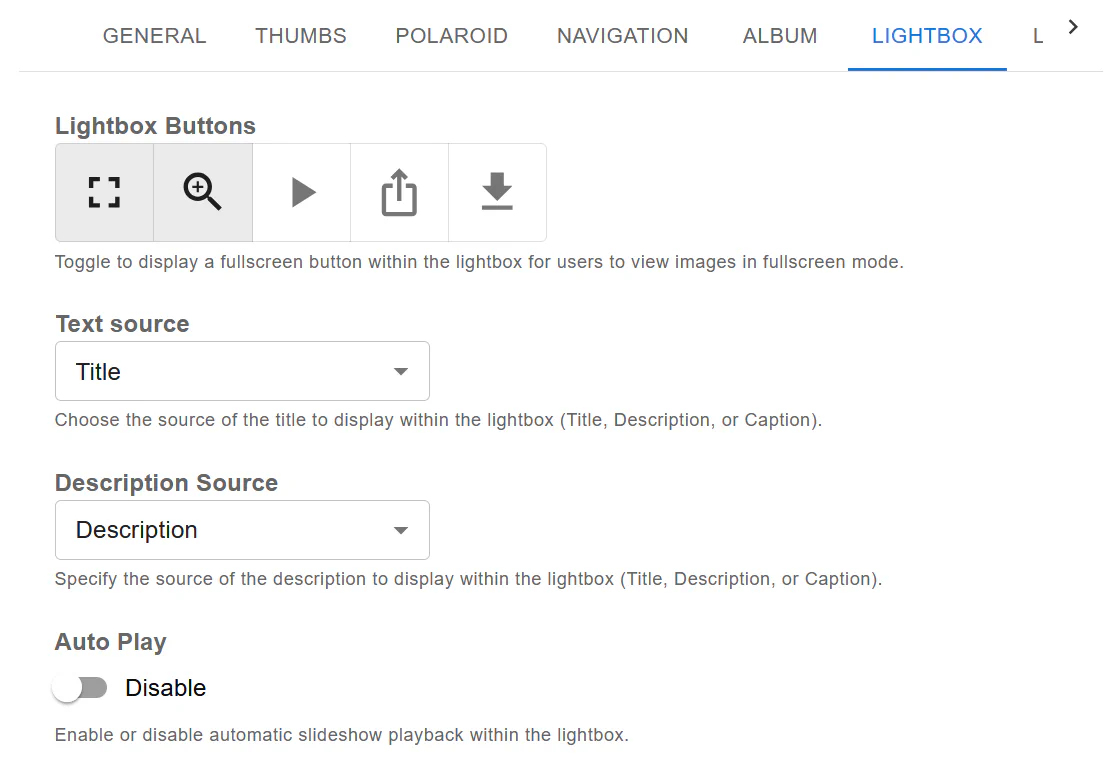
Robo Gallery allows you to enable social sharing buttons directly inside the lightbox view .
This lets visitors share individual images to social media platforms without leaving your website.
Social sharing works in both:
Classic Gallery (Version 3) Fusion Gallery (Version 5)
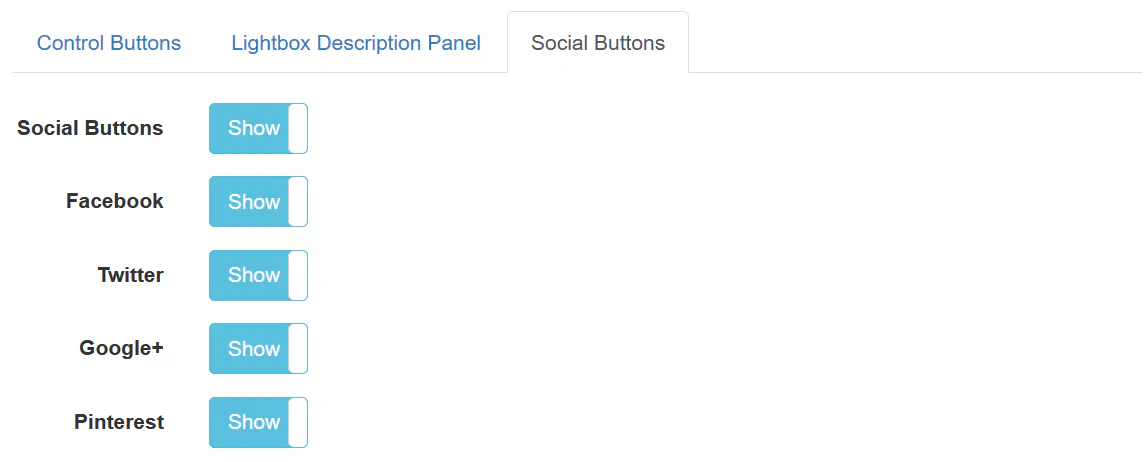
In the Classic gallery, social sharing is configured inside the Lightbox → Social Buttons tab.
You can individually enable or disable:
Facebook
Twitter
Google+
Pinterest
Simply toggle the switch to Show or Hide for each platform.
How It Works#
When enabled:
Social icons appear inside the lightbox
Users can share the currently opened image
Each image is shared individually
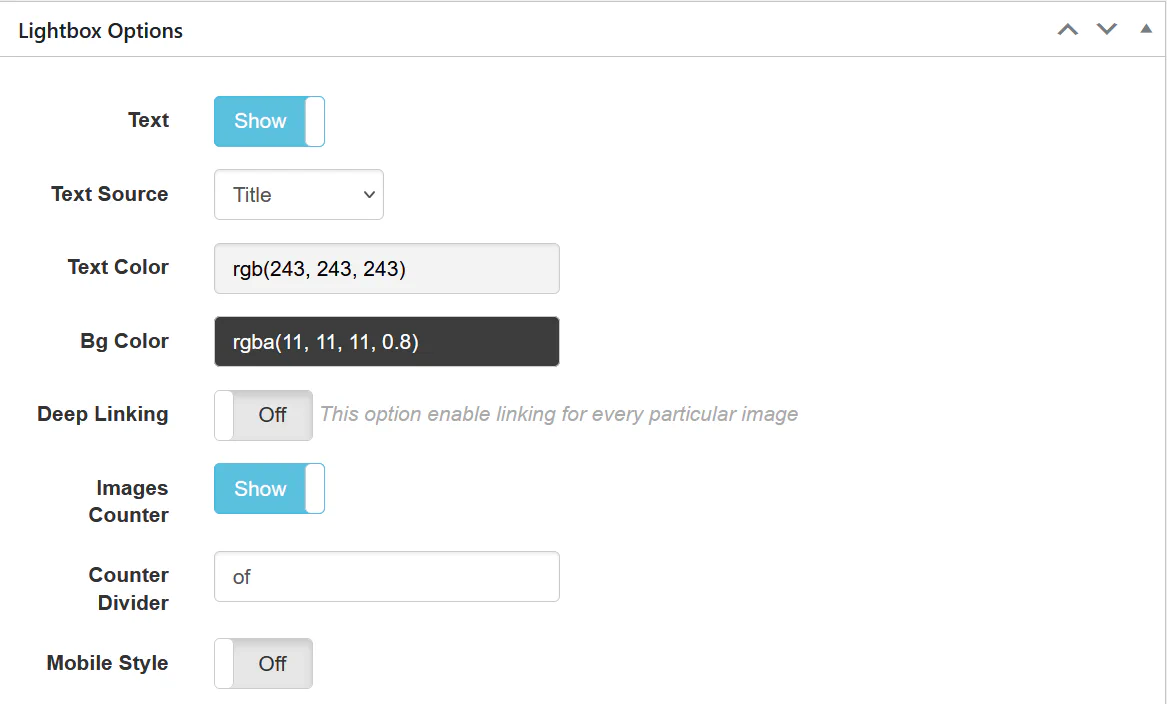
Deep linking (if enabled) allows linking directly to specific images
Fusion Version (V5) – Social Sharing#
In Fusion Grid, social sharing is configured inside:
Lightbox → Social Buttons
Features in Fusion Version#
Fusion provides:
Modern lightbox UI
Integrated share buttons
Improved mobile behavior
Better animation and interaction support
Social buttons appear directly inside the lightbox interface and adapt automatically to screen size.
Best Practices#
✅ When to Enable Social Sharing#
Enable social sharing if:
You run a photography portfolio
You publish visual content (design, art, products)
You want users to promote your images
You use Pinterest for traffic generation
❌ When You May Disable It#
Disable social sharing if:
The gallery is private
Images are client-only
You want minimal UI inside the lightbox
Important Notes#
Social sharing works per image
Each image can still have its own link or video
Lightbox remains active even when social sharing is disabled
Deep linking improves share accuracy
You can freely mix:
Lightbox images
Linked images
YouTube/Vimeo video links
Social sharing enabled items
All inside one gallery.
Summary#
Robo Gallery makes it easy to:
Enable social sharing per gallery
Control individual social networks
Keep full control over lightbox UI
Maintain responsive behavior in both Classic and Fusion versions
Whether you’re showcasing a portfolio or building visual marketing pages — social sharing inside lightbox adds an extra engagement layer without affecting performance.