Title here
Summary here
Robo Gallery can handle large image collections, but galleries with hundreds of images may require additional optimization to maintain fast loading speeds.
Following these tips will help ensure your galleries remain fast and responsive even with many images.
Large images are the most common reason for slow gallery loading.
Recommended practices:
Using optimized images significantly improves gallery performance.
Lazy loading loads images only when they appear in the visible screen area.
Instead of loading all images at once, the gallery loads them progressively while the user scrolls.
Benefits:
Lazy Load can be enabled inside the Loading Options of the gallery.
For very large galleries, it is recommended to limit the number of images displayed at once.
Available options include:
These methods allow the gallery to load images in smaller batches, improving performance.
Robo Gallery includes a built-in gallery cache system that significantly improves performance.
The cache stores prepared gallery data so the gallery does not need to rebuild the layout on every page load.
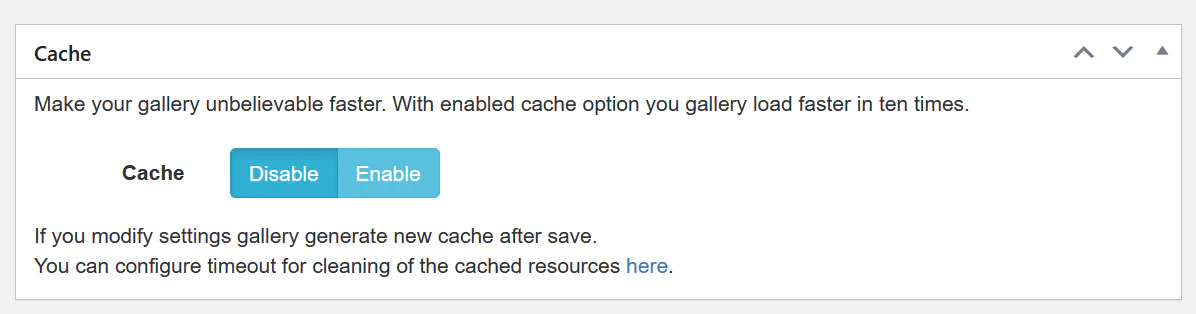
You can enable cache inside the gallery settings:
Gallery → Options → CacheWhen enabled:
When you change gallery settings, Robo Gallery will automatically regenerate the cache.
If a gallery contains hundreds of images, consider organizing content using:
This improves both performance and user navigation.
Mobile devices benefit the most from optimized galleries.
Recommended practices:
For best performance with large galleries:
These optimizations ensure Robo Gallery performs smoothly even with very large image collections.