Image Text

Each image in Robo Gallery can include several text fields that define how it’s displayed in hover effects, Lightbox, Polaroid layout, and other gallery types. These text fields allow you to describe, categorize, and visually enhance your gallery content.


1. Text Fields Overview

You can define all text fields in the Media Manager when adding or editing images.

Available text fields:
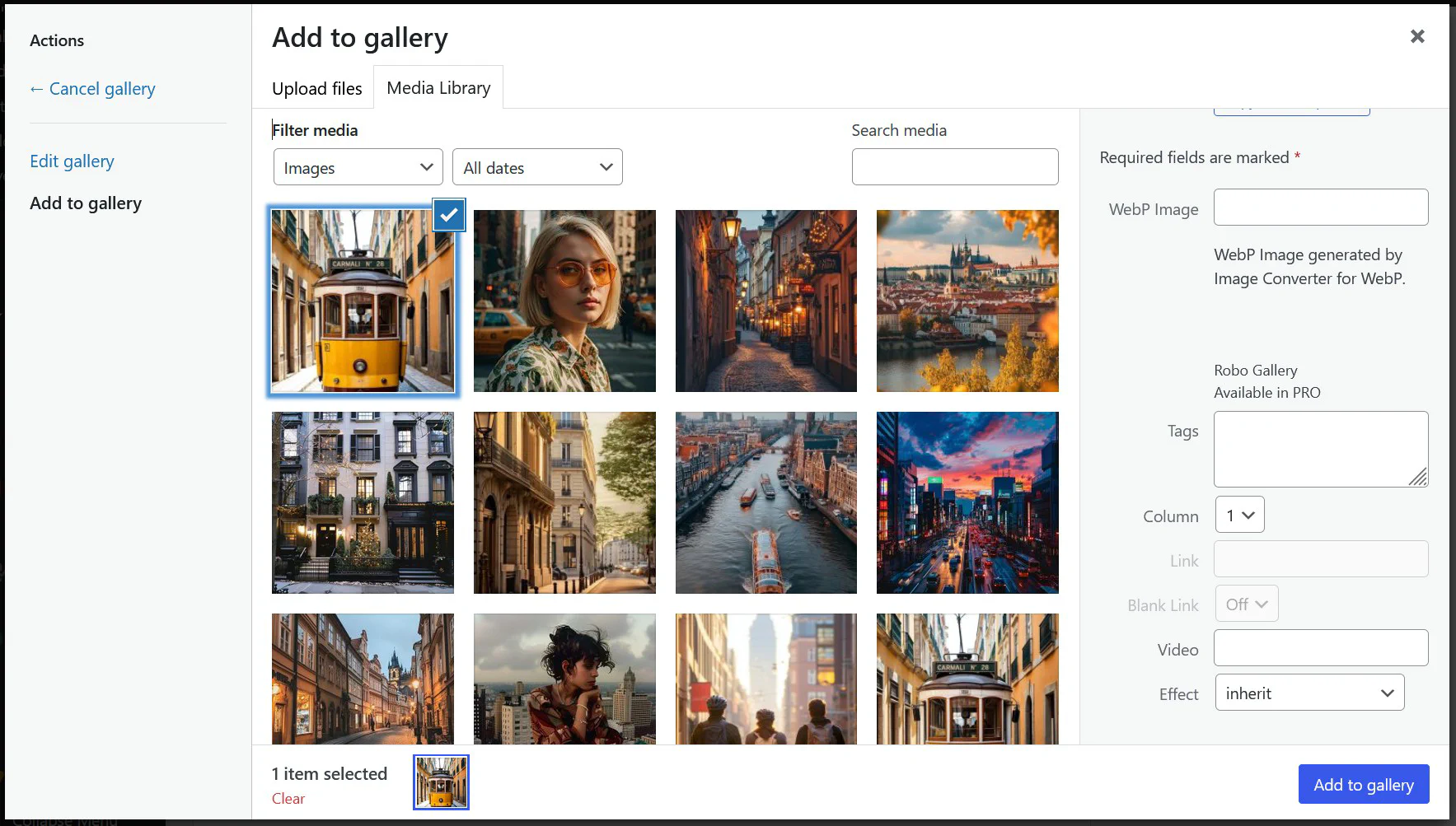
  • Title – short name of the image. Displayed in the Lightbox header, hover captions, and Polaroid title areas.
  • Caption – short descriptive text shown below thumbnails or over images on hover.
  • Description – longer explanation, typically displayed in the Lightbox or as part of detailed Polaroid views.
  • Tags – keyword labels that help organize and filter images within a gallery.

Image Text Options


2. Where Image Text Is Displayed

The use of these text fields depends on the gallery type and the selected layout settings:
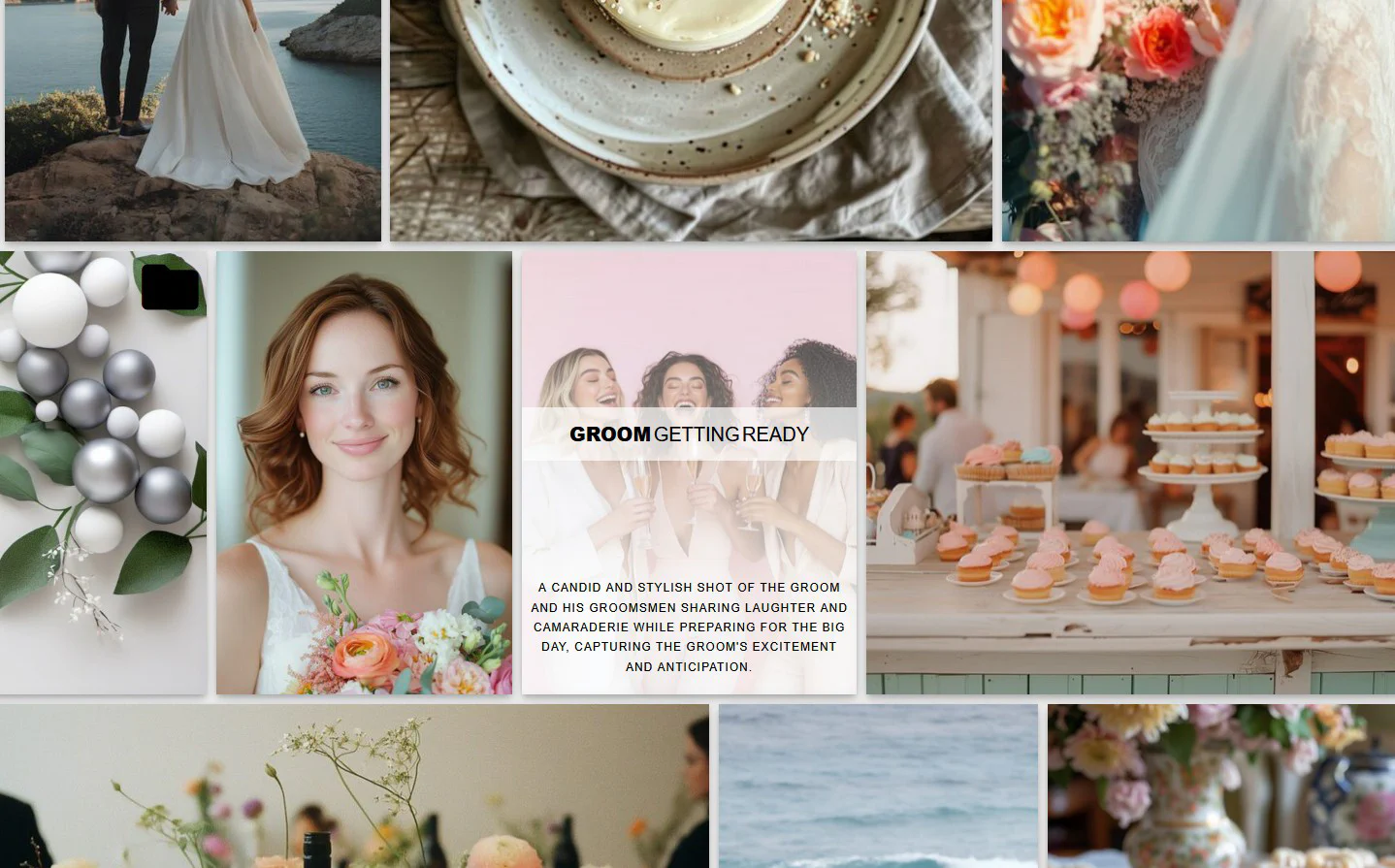
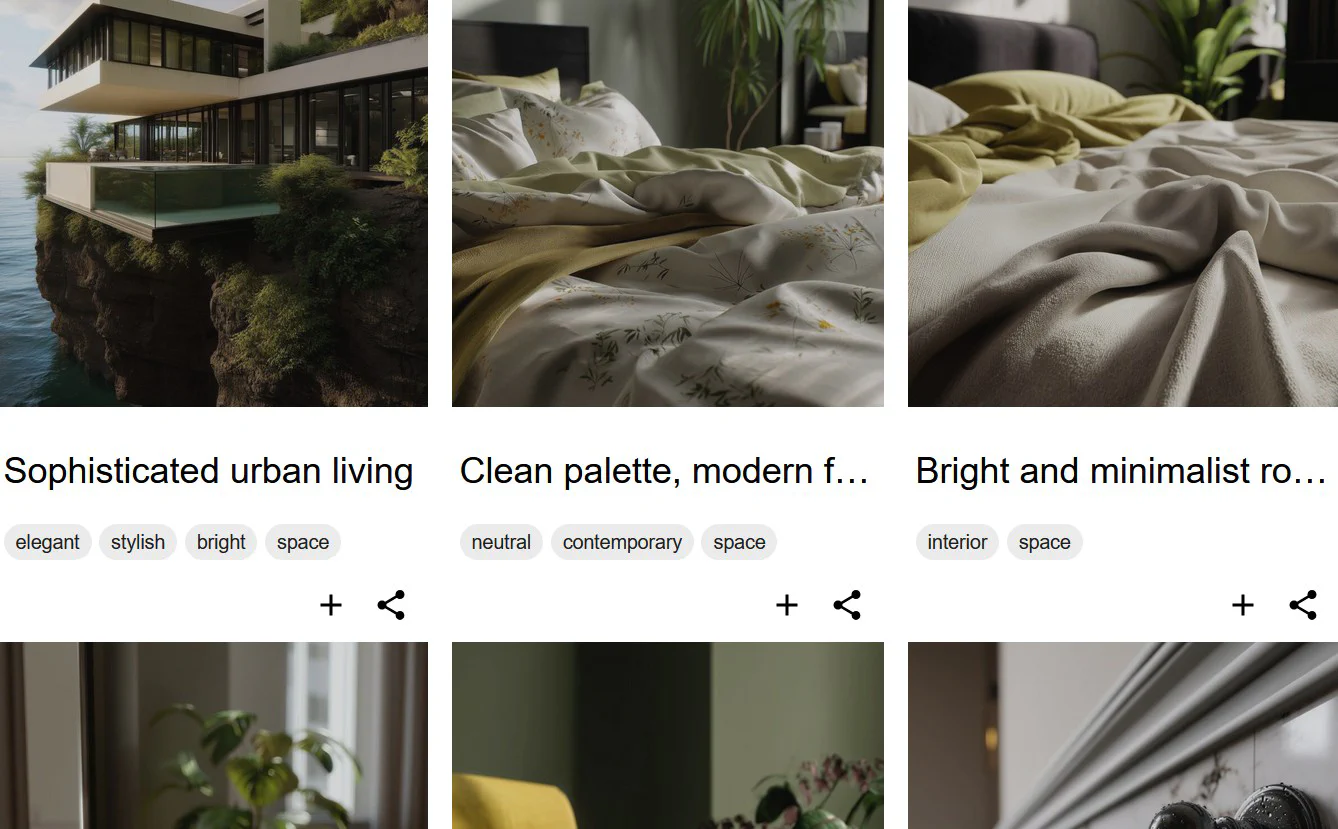
  • Hover Effects – display image Title, Caption, or Description when hovering over an image. You can configure which text field to show in the hover template.

Text in Hover Effects

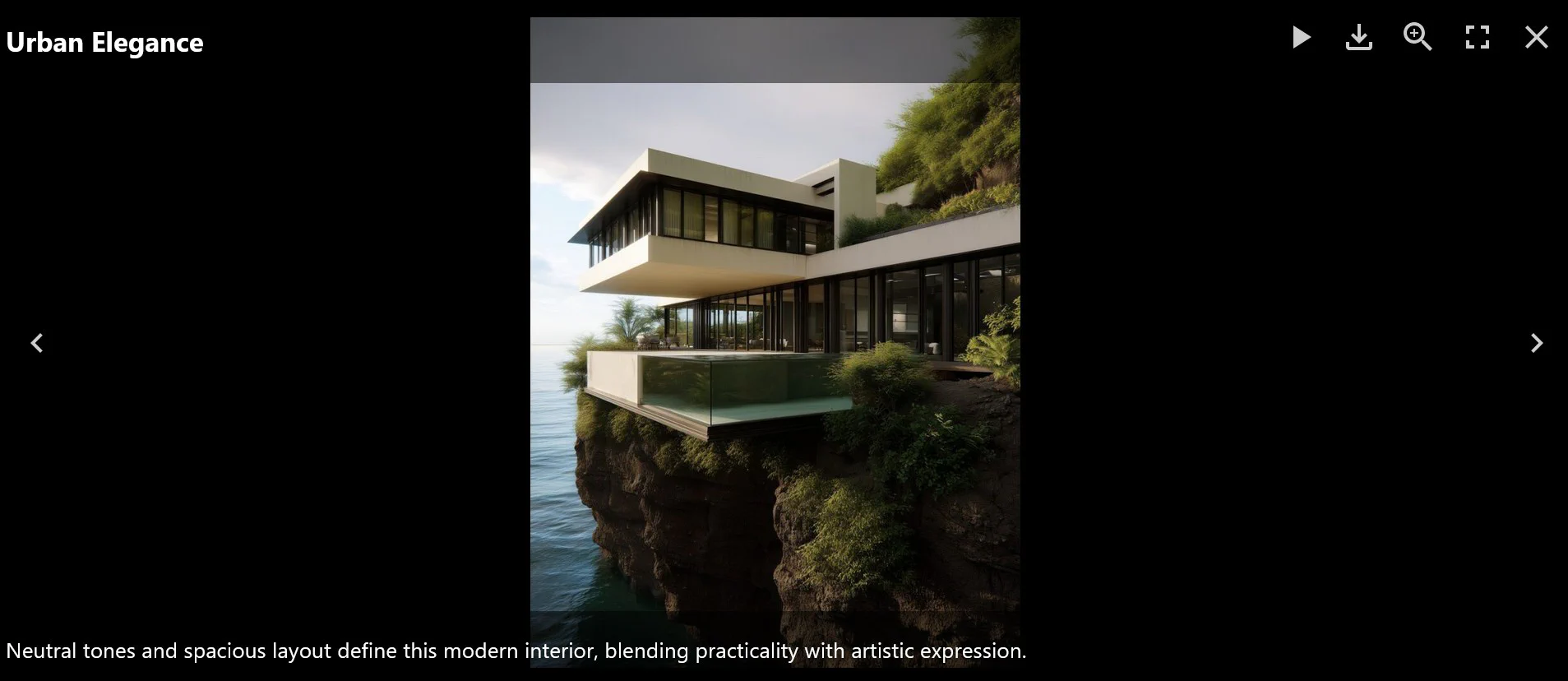
  • Lightbox View – typically displays Title at the top and Description or Caption below the image.

Text in Lightbox

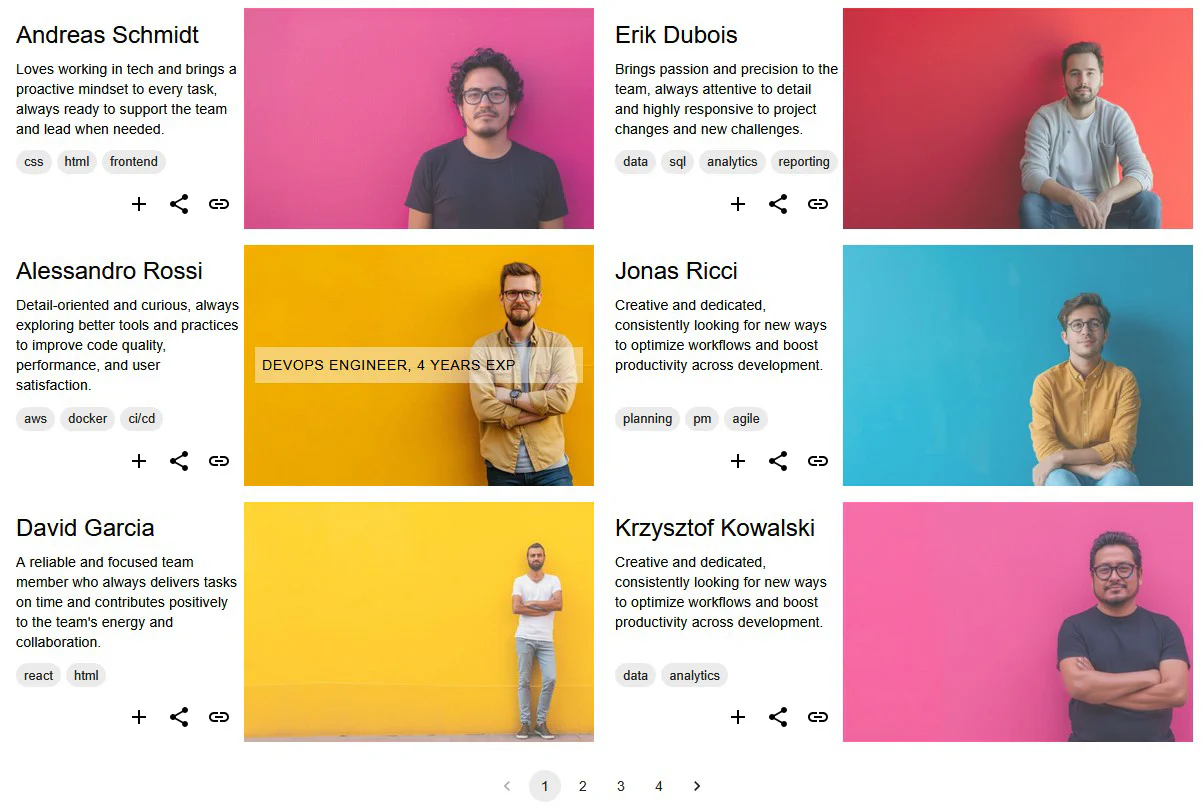
  • Polaroid Layout – uses Title and Description as visual labels on each Polaroid card.

Polaroid Layout

  • Tags Display – if tag filtering is enabled, Tags appear as clickable labels that help filter gallery images.

Polaroid Tags


3. Customizing Text Usage

In Robo Gallery settings, you can decide which text fields should be used in each display mode:

  • Select which field appears in hover overlays.
  • Configure what text appears inside the Lightbox.
  • Enable or disable tag display for interactive filtering.

This flexibility lets you create personalized galleries - from minimal visual layouts to rich, descriptive presentations.


🧩 Summary

Robo Gallery gives you complete control over image-related text, helping you enhance visual presentation and SEO value. Whether you need concise hover labels, engaging Lightbox captions, or detailed Polaroid descriptions - you can manage all text elements directly from the Media Manager.

Combine text fields with hover and Lightbox settings to create galleries that tell a story visually and contextually.