Title here
Summary here
Transparent and overlay hover effects allow you to display image titles, descriptions, and buttons over thumbnails with a semi-transparent background.
This effect improves readability while keeping the image visible underneath.
Robo Gallery supports overlay styling in both:
Go to:
THUMBS → Hover OptionsMake sure:
Hover Mode → OptionsAdjust:
Bg ColorExample:
rgba(0, 0, 0, 0.5)This creates a dark transparent overlay.
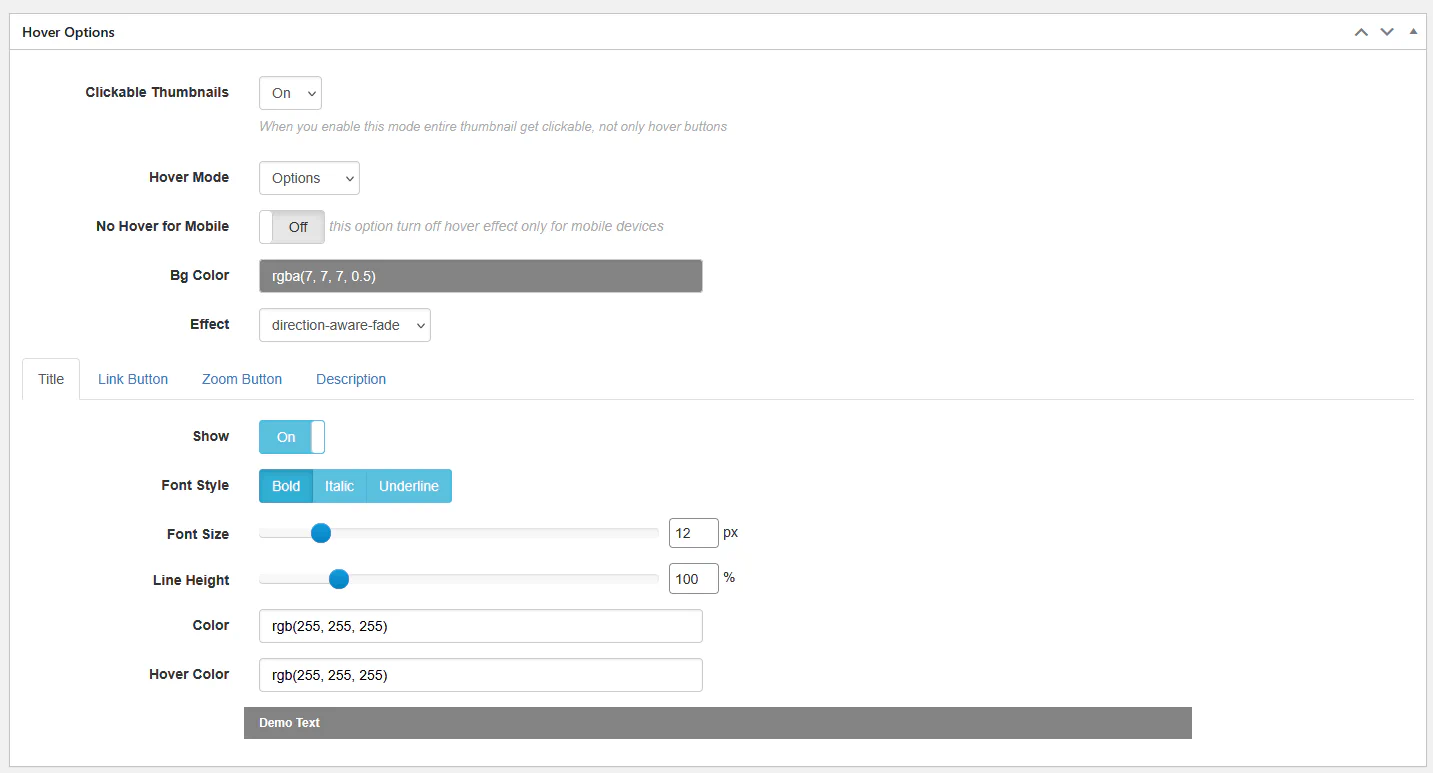
The last value in rgba() controls transparency:
Under Text colors and Highlight options, configure:
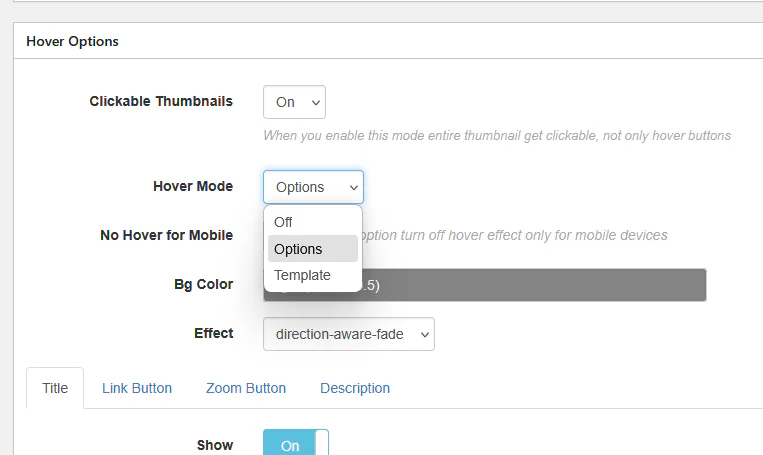
Example:
rgba(255, 255, 255, 0.6)This produces a soft white overlay.
Best used with dark text colors.
Go to:
THUMBS → Hover Effect
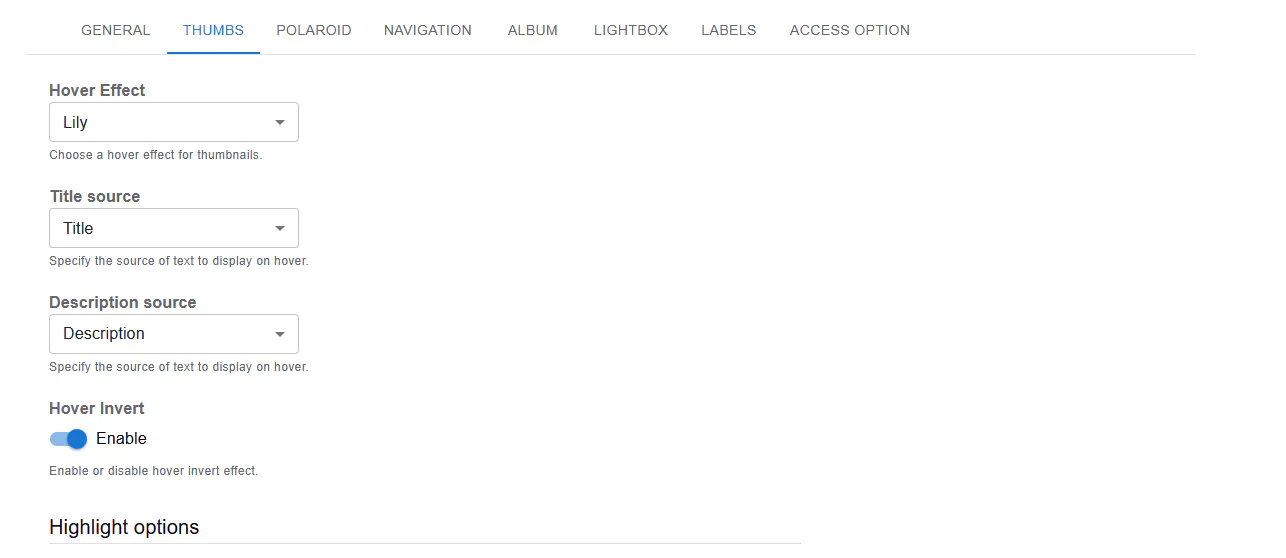
Fusion templates like:
already include overlay effects.
Inside:
Highlight optionsand
Text colorsyou can modify:
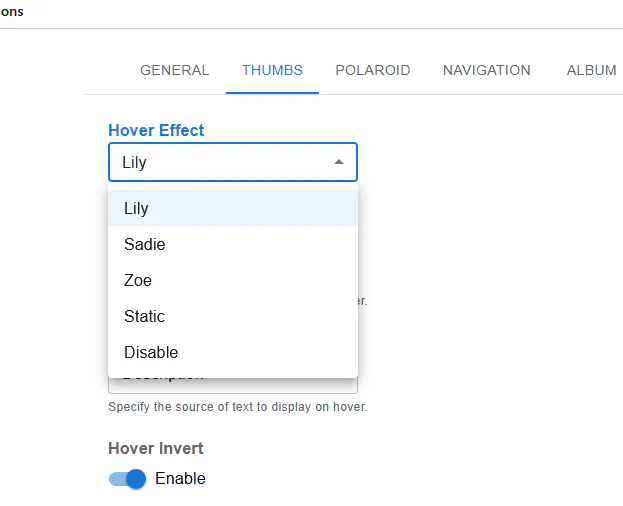
Example dark overlay:
rgba(0, 0, 0, 0.71)Example light overlay:
rgba(255, 255, 255, 0.67)You can enable:
Hover Invert → EnableThis switches text/background contrast for stronger visual emphasis.
In Classic:
No Hover for Mobile → OnHover effects can be disabled for mobile devices where hover interaction is limited.
| Type | Effect |
|---|---|
| Transparent | Image remains visible under text |
| Solid | Fully covers image |
| Highlight | Adds color block behind text only |
Overlay hover keeps the layout clean while providing contextual information on interaction.
Transparent hover effects give your gallery a modern and professional look without overwhelming the visual content.