Title here
Summary here
Thumbnail navigation in Fusion layout allows you to enhance user interaction by adding hover effects, titles, descriptions, and highlight styles to gallery thumbnails.
You can fully customize how thumbnails behave and how text appears on hover.
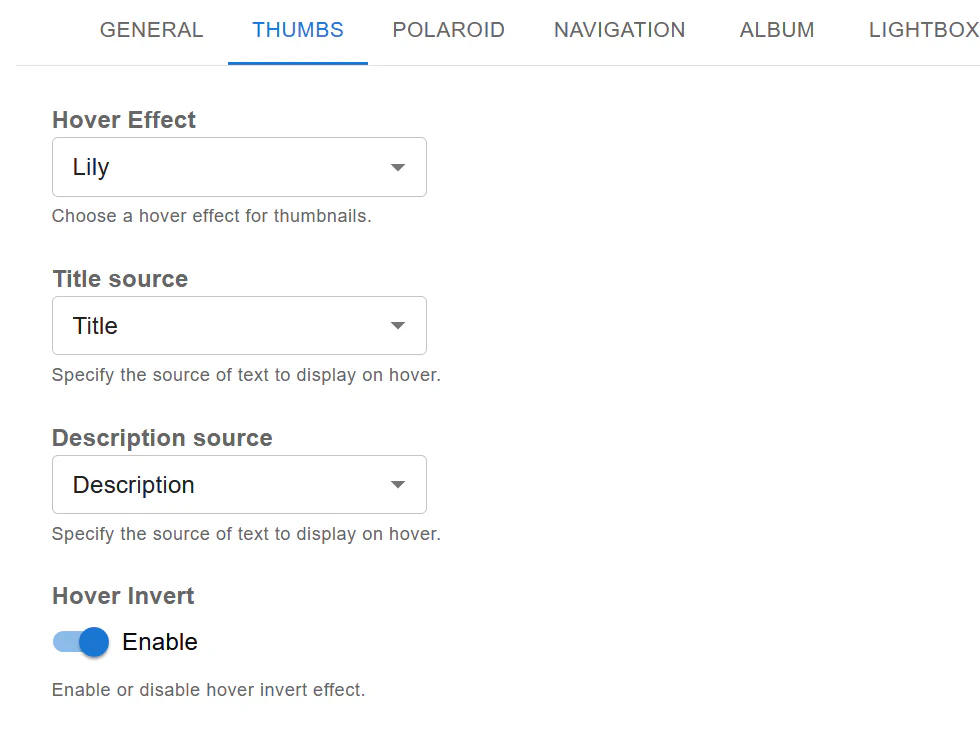
Fusion allows you to choose from multiple hover effects.
Setting:
This controls how the overlay appears when users hover over thumbnails.
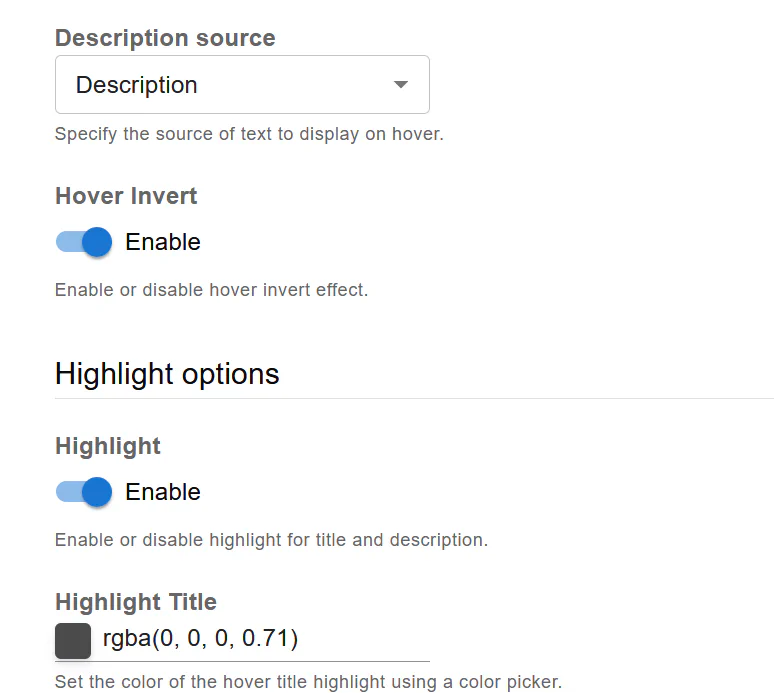
You can define what text appears on hover.
Choose the source for the hover title:
Choose the secondary text source:
This gives you flexibility depending on how your media content is structured.
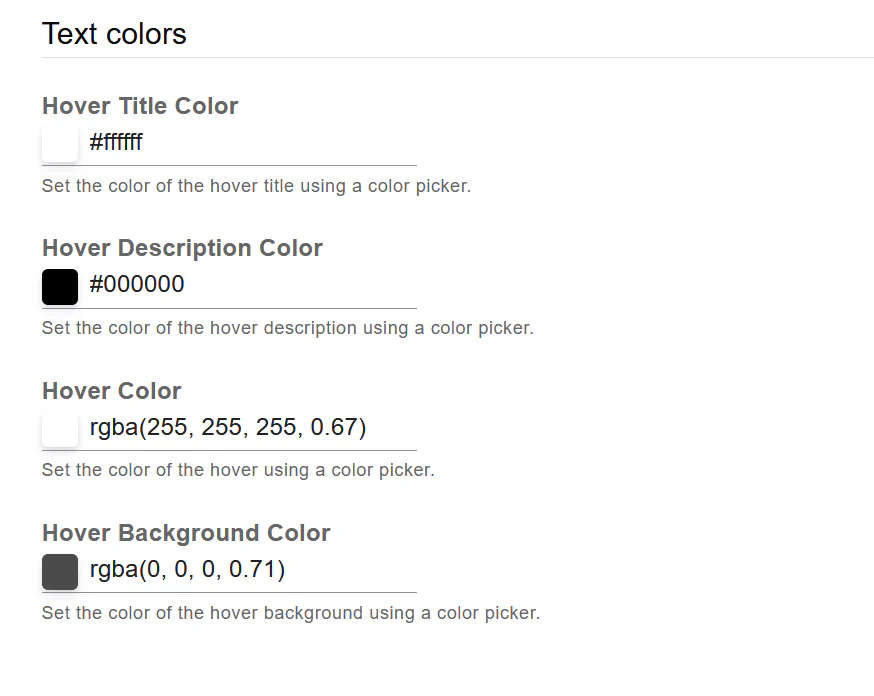
Hover Invert reverses the hover animation direction.
This is useful for achieving a different visual dynamic.
Fusion allows you to highlight hover text elements.
Enable or disable highlight styling for title and description.
Set background color for title highlight.
Set background color for description highlight.
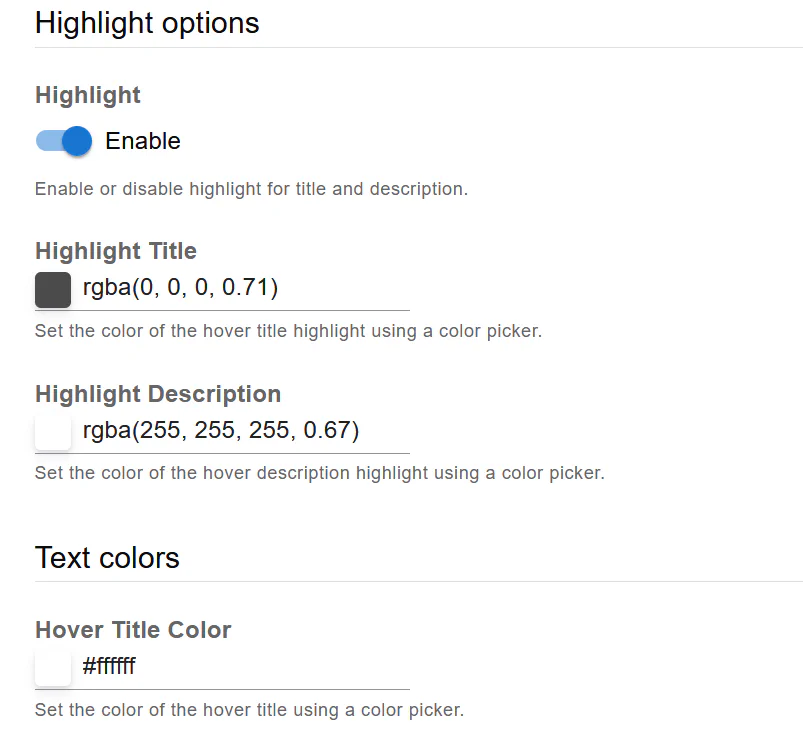
You can fully control hover text styling:
These options allow you to match the gallery design with your website branding.
Fusion thumbnail navigation gives you:
With proper configuration, thumbnails become a powerful interactive element that enhances user experience and visual presentation.